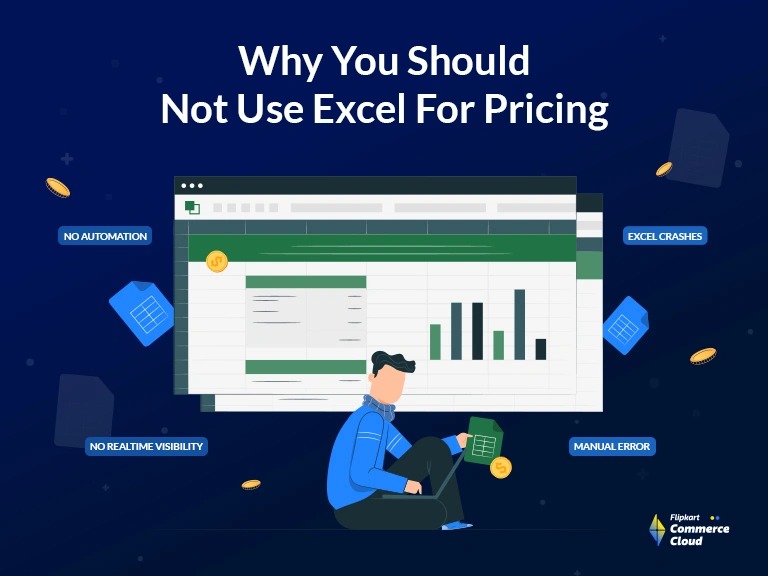

The Main Drawbacks of Using Excel For Pricing Model

FAQ
“Pricing Model in Excel” means a structured spreadsheet built using Microsoft Excel or similar spreadsheet software that uses formulas, data tables, and defined inputs to calculate and determine product or service prices. This model typically incorporates various factors like costs, profit margins, competitor prices, and demand estimates, and allows a business to simulate different pricing scenarios based on manual data entry and defined logic.
Many businesses build pricing models in Excel primarily because of its accessibility, low cost, and flexibility. Excel is widely available, requires virtually no specialized training beyond basic spreadsheet skills, and offers a high degree of immediate control, allowing users to quickly create, modify, and customize complex formulas without needing a dedicated software development team.
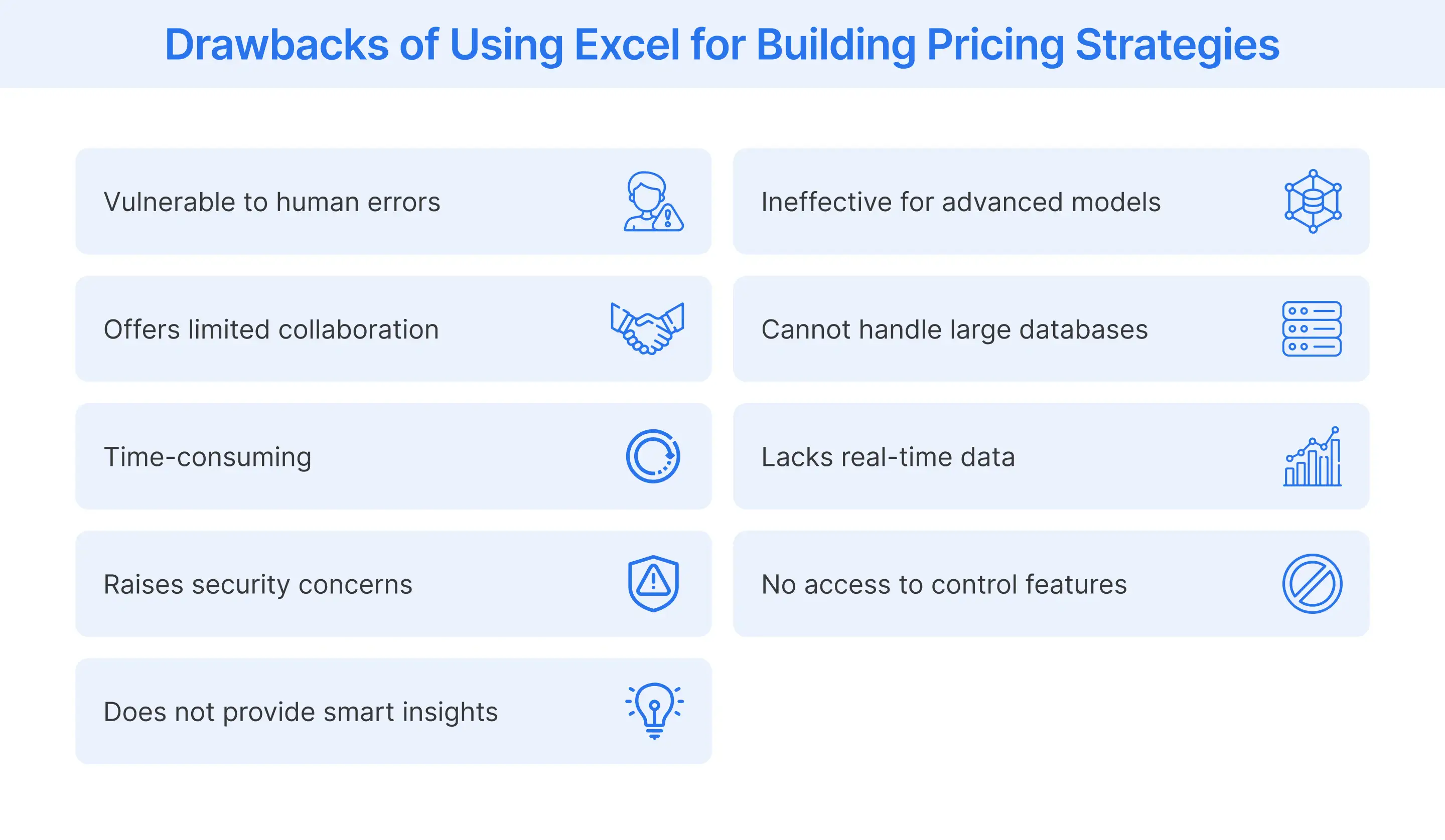
Excel can only handle advanced pricing strategies like value-based pricing or attribute-based pricing in a very basic or manual way. While you can create formulas to calculate the price based on a limited set of attributes or perceived value components, Excel lacks the ability to integrate real-time market research, customer willingness to pay data, or machine learning models necessary to accurately and dynamically execute these complex, data intensive strategies at scale across a large product catalog.
No, Excel is not suitable for pricing models when databases or SKU lists are very large. Excel encounters performance issues, becomes extremely slow, or may even crash when dealing with data files exceeding a certain size, typically around 20 megabytes. Managing hundreds of thousands or millions of SKUs, along with their associated cost, competitors, and sales data, is far beyond Excel's functional capacity and introduces major risks of data corruption.
No, Excel-based pricing models cannot adapt easily to changing business conditions such as seasonal demand, market fluctuations, or competitor moves because they are fundamentally static tools. Adapting requires a user to manually update input data, recalculate formulas, and save new versions, which introduces significant delays and makes real-time responsiveness or agile pricing completely unfeasible.
No, using Excel for pricing models does not support real-time price updates or dynamic pricing because Excel is an offline, manual tool that is fundamentally not integrated with e-commerce systems or price execution software. Calculating a new price in Excel requires manual data entry and saving the file, after which a separate manual process is needed to upload that price to the e-commerce platform, making real-time, instantaneous adjustments impossible.
Excel-based pricing might lead to missed revenue or profit opportunities because it is too slow and too rigid to react to market changes. Since Excel cannot track competitor price shifts, stock levels, or real-time demand signals and update prices instantly, businesses often maintain static, conservative pricing. This results in missing opportunities to charge a premium when demand spikes or to aggressively undercut competitors during a lull, a gap that can be filled by dedicated, integrated software solutions like those from FCC.
A business should consider switching from Excel to a specialized pricing software when the volume of its SKUs becomes unmanageable (e.g., thousands of items), when errors in pricing start to materially affect profitability, or when it needs to implement advanced strategies like dynamic, competitive, or value-based pricing. The switch is necessary when manual processes can no longer keep up with the data volume, complexity, and speed required by modern commerce.
More Blogs
See how retailers and brands are winning with FCC
Everything About Price Skimming Strategy Explained
Read More
What is a High-Low Pricing Strategy?
Read More
Ultimate Guide To Dynamic Pricing Strategy In 2026
Read More
Retail Pricing Strategies: Winning with Promotion Pricing in Competitive Markets
Read More
Ad Tags: Enhancing Ad Serving Efficiency in Large-Scale Campaigns
Read More