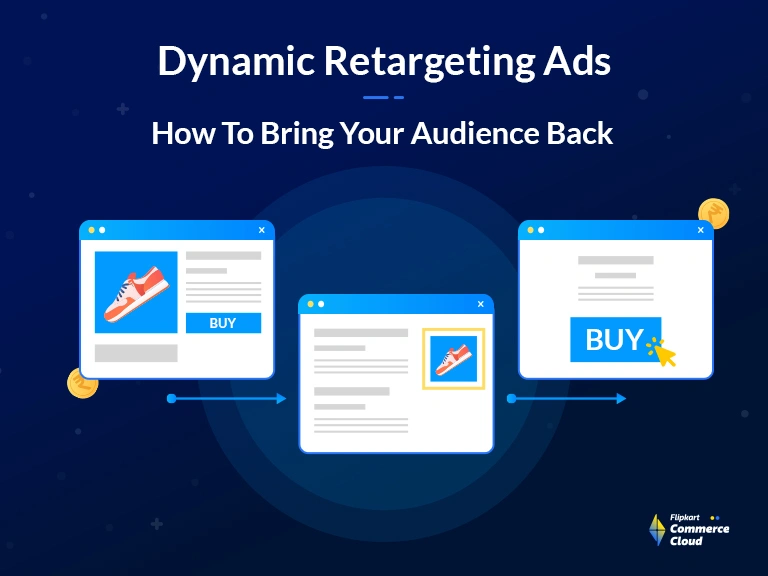
 Consider the case of a boutique furniture store. A potential customer, Ava, spends time on the store’s website, admiring a vintage oak desk. She even goes so far as to add the desk to her online cart, but then, for some reason—perhaps a phone call or the need to rush off to a meeting—she exits the website. Later, as Ava scrolls through a design blog or checks the weather, an ad for that exact oak desk pops up in her browser. It’s a visual and contextual cue, a subtle reminder of the unfinished purchase she left behind.
This is retargeting in action: a strategic prompt that reconnects Ava with the desk, encouraging her to return to the website and complete her purchase. By presenting these personalized and responsive display ads in various online spaces that Ava frequents, the furniture store stays relevant and top-of-mind, significantly increasing the likelihood of converting her initial interest into a sale.



FAQ
Dynamic retargeting works by placing a snippet of code, often called a pixel, on a website to track the behavior of visitors, such as which products or pages they view, and then uses that data to automatically create and display highly personalized ads featuring those specific products to the user as they browse other websites or social media platforms. This process relies on a product or data feed, which houses all the necessary product details like images, prices, and names, allowing the ad platform to instantly generate relevant, tailored ad content for each visitor.
An example of retargeting is when a person visits an online shoe store, spends time looking at a specific pair of running sneakers, and then leaves the website without making a purchase. Later, while reading a news article or scrolling through their social media feed, they see an advertisement displaying that exact pair of running sneakers, perhaps with a slight discount or a reminder to complete their purchase.
The main difference between website retargeting and dynamic remarketing is the level of ad personalization, as website retargeting, also known as standard retargeting, typically shows all previous site visitors a generic ad reminding them of the brand or a general promotion. Dynamic remarketing, in contrast, creates and serves personalized ads that showcase the specific products or services a user viewed on the website, making the ad content directly relevant to that individual's browsing history, a capability often powered by advanced platforms like those offered by FCC.
Retargeting versus dynamic retargeting distinguishes between a broad and a personalized advertising approach, where standard retargeting delivers a consistent, general brand ad to a segment of website visitors, simply reminding them of the company. Dynamic retargeting, however, is a more sophisticated method that automatically generates ad creatives showing the exact products a specific user previously viewed or added to their cart, leading to a much higher degree of personalization and typically stronger conversion rates.
To set up dynamic retargeting, you need to first create and upload a product or data feed containing all your inventory details to your advertising platform, such as a Google Merchant Center or your chosen ad manager, and then you must install a customized retargeting tag or pixel on your website that includes specific parameters to track user actions and match them to the items in your feed. Finally, you create an ad template within the platform, which will dynamically pull the product information and images from your feed to generate personalized ads for each unique visitor.
More Blogs
See how retailers and brands are winning with FCC
Everything About Price Skimming Strategy Explained
Read More
What is a High-Low Pricing Strategy?
Read More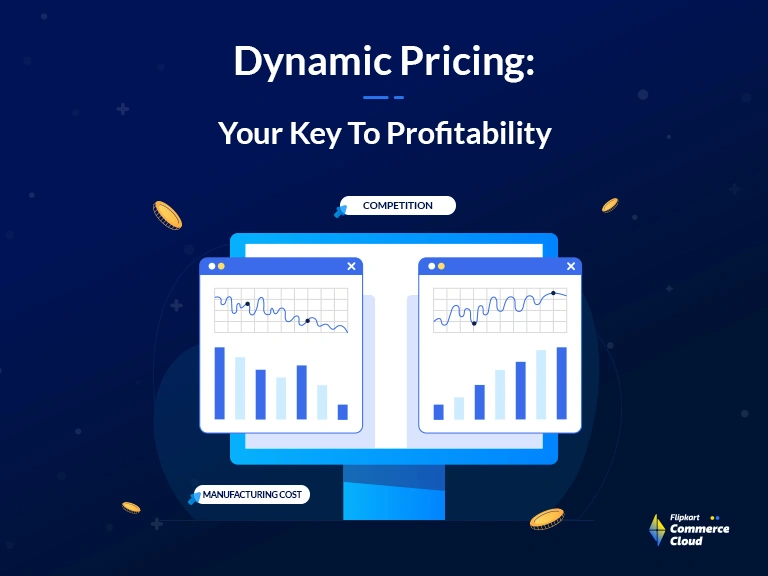
Ultimate Guide To Dynamic Pricing Strategy In 2026
Read More
Retail Pricing Strategies: Winning with Promotion Pricing in Competitive Markets
Read More
Ad Tags: Enhancing Ad Serving Efficiency in Large-Scale Campaigns
Read More